Build Your Tree
Connect parents, spouses and children with an easy visual tree.
→
Build a private home for the people, places and memories that made your family. Connect generations, preserve milestones and share the story on your terms.
Connect parents, spouses and children with an easy visual tree.
→Record milestones and explore your family’s journey.
→See birthplaces, current locations and explore places on a map.
→Turn your family tree and memories into a beautiful book.
→Save photos, videos, voice memories, documents and stories.
→Invite family members with viewer, contributor or editor access.
→The everyday tools to build, correct and explore your family history, all together in one workspace.
Connect parents, spouses and children. Choose a focused view, adjust generation depth, or explore in full screen with zoom controls.
Give every person a profile. Record milestones one at a time or in bulk, and follow their story with the Color Spine timeline.
Add people manually, paste structured family text, or upload a ZIP with photos. Review people, relationships and validation issues before saving.
Use visual drag-and-drop relationship editing, with validation and confirmation before changes are saved.
Search names with live suggestions. Free searches its selected tree; paid plans search accessible active owned trees. Archived trees stay out of results.
Print your tree from the browser. Keep a paper copy for a family gathering or save a PDF through your browser’s print dialog.
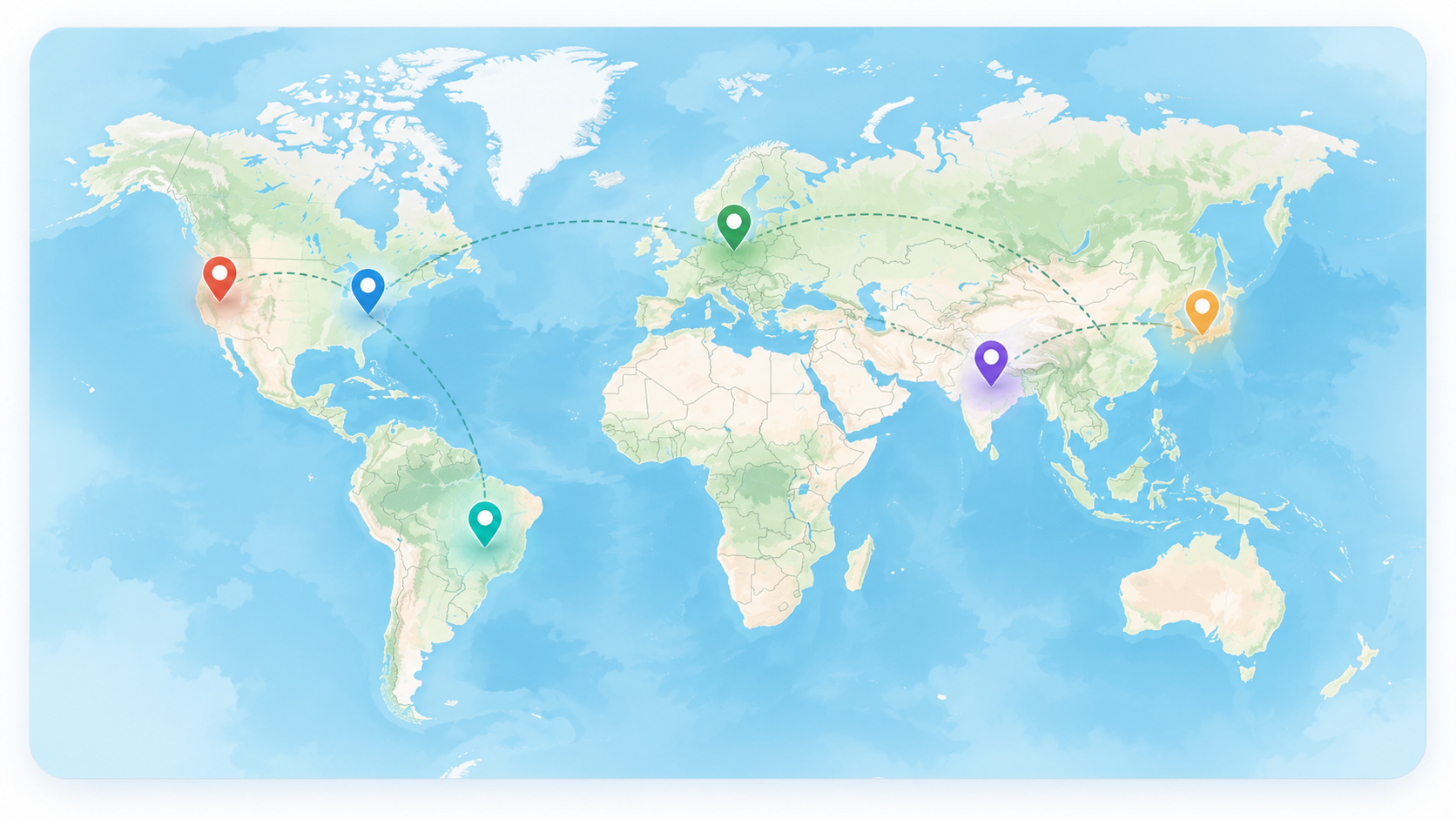
Explore recorded birthplaces and current locations on your Family Map. Connect names with places and browse city photos where available.
Premium adds advanced genealogy tools and up to 5 trees. Family Premium expands to 10 trees with the private Family Archive and family collaboration workspace.
Bring tree views, profiles, photos and events into a book for screen preview, printing or saving as PDF.
Explore additional enabled tree presentations, from heritage posters to colorful family layouts.
Prepare Letter, A4, 11×17, 18×24 and 24×36 layouts for larger family trees.
Bring family life events into one chronological view and unlock additional enabled personal timeline layouts.
Create an editable biography draft from saved profile facts and life events, without inventing new details.
Find missing dates and photos, incomplete profiles, isolated people and structural issues to review.
Trace how two people connect through the relationships saved in your family tree.
Follow a place-based sequence of recorded births, deaths and life events. Separate from the interactive Family Map.
Explore a chronological view of saved family records. This does not automatically add historical research.
Download people, relationships and life events in FamilyTree text format, then review and restore through Family Import.
Download structured JSON records for portability. Keep media files separately; this is not a complete media backup.
Explore recent FamilyTree additions. Feature access depends on your plan and site settings.
Explore family milestones, upcoming birthdays, recent activity and information coverage.
See important family dates in one place and export calendar events.
Flip member cards, play a family history quiz, save memories and print cards as PDFs.
Invite relatives, manage shared-tree roles and review contributions together.
Keep stories, photographs, voice recordings, videos, documents and time capsules in your Family Archive. Link memories to people and life events, and choose items for your map and Family Book when those tools are available.
Explore PremiumInvite relatives to a specific tree without sharing your login. Shared-tree access does not upgrade a collaborator’s personal subscription.
Explore the shared family story with read-only access.
Propose family information through permitted contributions.
Help maintain records in the shared tree.
A private place to begin.
More ways to explore and preserve.
Bring more of the family together.
Tree limits count owned trees, including archived trees. Archiving preserves a tree; it does not free a slot for creating another one. Features shown reflect site settings.
Yes. Free includes one private tree, manual entry, structured imports, people, relationships, photos, life events and standard printing. You can explore paid options later.
Additional trees are preserved but become restricted by your plan. When a selection is required, choose one eligible non-archived tree as your Free tree. Upgrading restores access according to your plan.
No. Premium and Family Premium owners can archive and restore their trees. Family Archive is the separate Family Premium collection for stories, media, documents and time capsules.
The text backup contains people, relationships and life events and restores through Family Import. Keep separate copies of photographs, recordings, videos and other attachments.
No. An invitation grants the permitted access to that shared tree. Each relative keeps their own personal plan; individual tools also follow their access rules.
Color Spine is the default free personal timeline. Additional enabled layouts and the combined family timeline require Premium access.
Send a request below and keep its unique tracking ID. You can check progress through Track an existing request. Email updates are available when email delivery is configured.
Report an issue directly from the home page. You will receive a unique tracking ID you can use to check the request later.
Track an existing request